
ELD Fleet Compliance Software That Keeps You FMCSA-Ready, Without the Paperwork
FMCSA-registered electronic logging device (ELD), automated HOS logs, digital DVIR, and IFTA reporting in one platform that runs on the devices your drivers already carry.

The Real Cost of Compliance Gaps
Compliance is non-negotiable, but the way most fleets manage it is broken. Paper logs, scattered systems, and manual reporting create the exact conditions for missed violations, failed audits, and avoidable fines.

Costly FMCSA Violations
ELD, HOS, and DVIR violations can each carry thousands in fines per case, plus out-of-service orders that pull vehicles and drivers off the road.

Audit Risk From Manual Records
Paper logs, spreadsheets, and disconnected systems make audits painful and expose fleets to penalties for incomplete or missing records.

Wasted Driver and Admin Time
Manual logs, paper inspections, and quarterly IFTA filings drain hours from drivers and back-office teams that should be spent on the job.
Compliance That Runs Itself
IntelliShift Compliance combines FMCSA-registered ELD, automated HOS logging, digital DVIR, IFTA reporting, and operator compliance tracking on one platform. Real-time monitoring catches violations before they happen, and reports that used to take days are ready in minutes.
- FMCSA-registered ELD with automated HOS logs and real-time violation alerts
- Digital DVIR that replaces paper inspections and feeds directly into maintenance
- Fully BYOD: drivers use the iOS or Android device they already carry, paired with the telematics gateway already in the vehicle

Key Features of IntelliShift Compliance
Everything fleet leaders, safety managers, and drivers need to meet local, state, and federal regulations without the manual work.

FMCSA-Registered ELD
Automated Hours of Service (HOS) logging that meets FMCSA requirements, with real-time alerts before drivers run out of available hours.

Digital DVIR
Driver Vehicle Inspection Reports completed on mobile, with photos, signatures, and time stamps that flow directly into maintenance workflows.

Real-Time Violation Alerts
Get notified the moment an HOS, ELD, or inspection issue is detected, so problems get resolved before they become violations.

IFTA Reporting
Automated mileage tracking by jurisdiction makes quarterly IFTA filing fast, accurate, and audit-ready. No manual mileage logs required.

Driver Workload Management
Track and balance driver hours, automate driver assignments, and forecast workloads to keep operations running and drivers compliant.

Fully BYOD
No expensive proprietary devices required. Drivers use the iOS or Android phone or tablet they already carry, lowering rollout cost and friction.
One Platform, Every Compliance Requirement
IntelliShift handles the full scope of fleet compliance regulations in a single connected system, from federal FMCSA rules to state-level fuel tax filings to internal safety policies.

FMCSA & DOT
Hours of Service, ELD mandate compliance, DVIR, accident reports, and audit-ready records that hold up under inspection.

IFTA & State Filings
Automated jurisdiction-by-jurisdiction mileage tracking that turns quarterly fuel tax filings from days of work into minutes.

Driver Compliance Details
Store medical card expiration dates, driver endorsements, and the legal name used for Hours of Service and logbook records right in each operator profile.
Results Fleet Leaders Can Measure
With IntelliShift Compliance, fleets cut administrative burden, reduce audit risk, and free drivers from paperwork that was never a good use of their time.
“
All levels of technology users are able to use IntelliShift. The information I have access to in one place is phenomenal.
EMS Operations Manager
Large New York Emergency Service
Why Fleet Leaders Choose IntelliShift
Compliance works best when it’s connected to the rest of your fleet operation. IntelliShift brings ELD, DVIR, telematics, maintenance, AI dash cams, and analytics together on one platform, so every regulatory record is backed by the operational data that proves it.
One Unified Platform
Compliance, telematics, maintenance, AI dash cams, and analytics on a single platform. No point solutions, no disconnected data.
Your Partner, Not Another Vendor
Custom strategies, hands-on implementation, and ongoing support from a US-based customer success team focused on your outcomes.
Built by Fleet People, for Fleet People
Technology designed by people who’ve operated fleets, refined over 20+ years of real-world experience.

Telematics

AI Dash Cams

Fuel Manager

Analytics

Maintenance
Compliance

Inspect
Frequently Asked Questions
Common questions about ELD compliance, FMCSA regulations, IFTA filing, and how IntelliShift Compliance fits into a modern fleet operation.
What is fleet compliance software?
Fleet compliance software helps commercial fleets meet federal, state, and internal regulatory requirements. It typically includes Electronic Logging Devices (ELD), Hours of Service (HOS) tracking, Driver Vehicle Inspection Reports (DVIR), IFTA mileage reporting, and driver qualification file management, all in one platform that replaces paper logs and disconnected tools.
What is an ELD (electronic logging device)?
An ELD, or electronic logging device, is hardware that connects to a vehicle’s engine to automatically record driving time and Hours of Service. ELDs replaced paper logbooks under the FMCSA ELD mandate and give fleets accurate, tamper-resistant records for compliance and roadside inspections.
What is the FMCSA ELD mandate?
The FMCSA ELD mandate requires most commercial drivers subject to Hours of Service rules to use a registered Electronic Logging Device to record driving time. ELDs replace paper logbooks and AOBRDs, and they must meet specific FMCSA technical standards to be compliant. IntelliShift’s ELD is FMCSA-registered and meets all current requirements.
Is IntelliShift's ELD FMCSA-registered?
Yes. IntelliShift’s ELD is registered with the FMCSA and meets the technical standards in 49 CFR Part 395, including automatic HOS logging, driver-vehicle pairing, malfunction detection, and the ability to transfer logs to safety officials during a roadside inspection.
What are Hours of Service (HOS) rules?
Hours of Service rules limit how long commercial drivers can drive and work before they’re required to rest. They cover daily and weekly driving limits, mandatory off-duty periods, and on-duty time. IntelliShift automates HOS logging in real time and alerts drivers and dispatchers before limits are reached.
Do I need to buy special hardware for IntelliShift's ELD?
No. IntelliShift Compliance is fully BYOD (bring your own device). Drivers use the iOS or Android phone or tablet they already carry, paired with the telematics gateway already installed in the vehicle. That keeps rollout fast and removes a common cost barrier of legacy ELD providers.
What is IFTA and how does IntelliShift help with IFTA reporting?
IFTA (International Fuel Tax Agreement) requires interstate carriers to report fuel taxes by jurisdiction each quarter. IntelliShift automates IFTA reporting by tracking miles driven in each jurisdiction using telematics data, eliminating manual mileage logs and turning a multi-day filing process into a few minutes of review.
Can IntelliShift track driver compliance details?
Yes. Each operator profile captures compliance-related details including medical card expiration dates, driver endorsements (HazMat, Tanker, Doubles, Triples, Airbrakes, and Passenger), employee ID, and the legal name used for Hours of Service and logbook records, so office users can keep this information in one place.
Featured Resources
Check out these resources to learn more
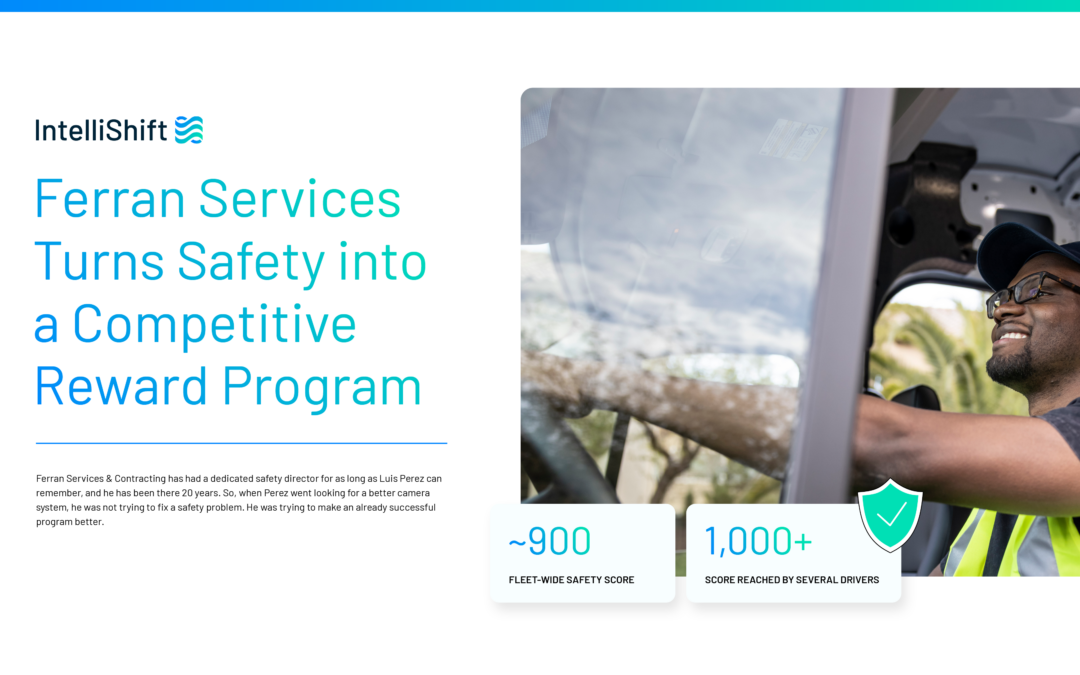
Ferran Services Turns Safety into a Competitive Reward Program
Ferran already had a safety culture that went back decades. IntelliShift AI Dash Cams gave every driver a score, and that score gave Ferran the...

How to Choose the Best AI Dash Cam for Construction Trucks: A Buyer’s Guide
Construction fleet managers researching the best AI dash cam for construction trucks run into a market flooded with overlapping specs and safety...

How Do AI Dash Cams Work in Construction Vehicles?
A dash cam mounted behind the windshield used to just record footage that someone reviewed after something already went wrong. How do AI dash cams...
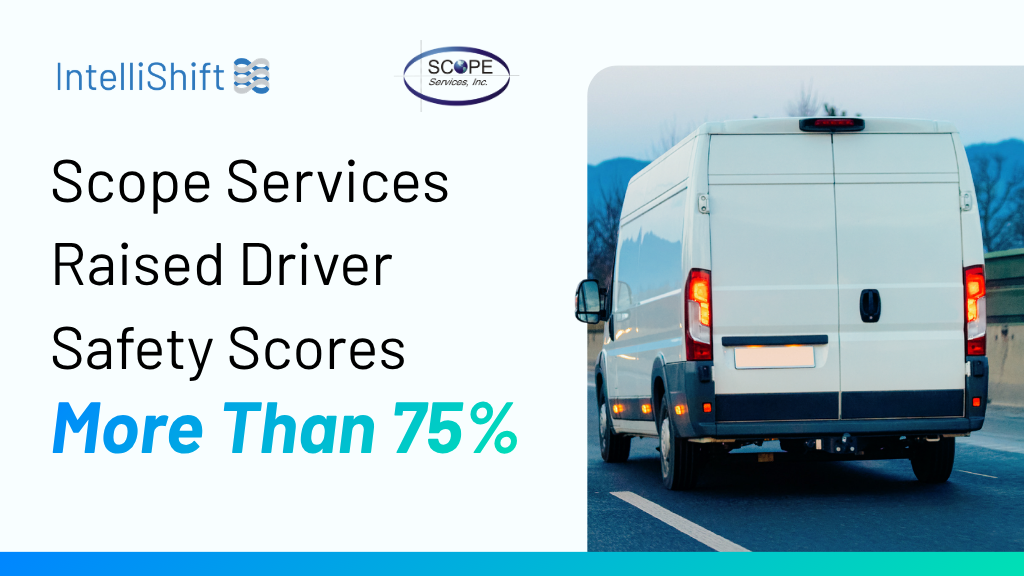
Scope Services Raised Driver Safety Scores More Than 75% in Two Months
Two months after going live with IntelliShift AI Dash Cams, the utility installer’s company-wide driver safety score climbed from the 400s to 877....